
Download 777in for Android
Get the official 777in Android app — version 3.2.1, fully verified and free. Install in minutes and unlock 100+ games plus a ₹10,000 welcome bonus.
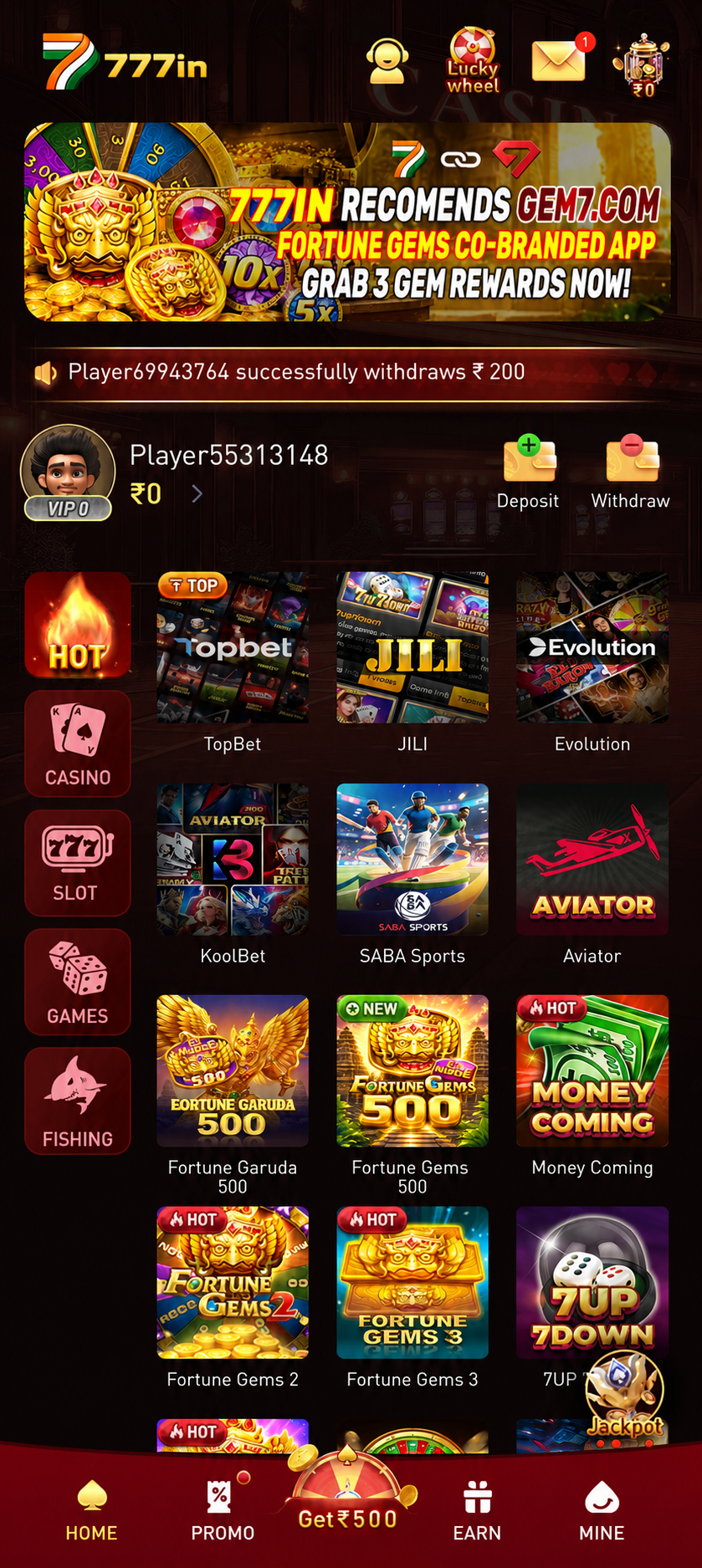
777in v3.2.1
Latest stable release. Direct, secure APK download — no Play Store required.
Download APKInstall in 4 Simple Steps
From download to your first bonus in just a couple of minutes.
Enable Unknown Sources
Open Settings → Security (or Apps & notifications) and allow installs from your browser or file manager. This lets Android install apps that come from outside the Play Store.
Download the APK
Tap the Download APK button above. The 48 MB file saves to your Downloads folder. Stay connected to Wi-Fi or mobile data until it finishes.
Install & Verify
Open the downloaded file and tap Install. The app checks the package signature automatically, so you know it is the genuine, untampered 777in build.
Register & Claim Bonus
Launch 777in, create your free account in under a minute, make your first deposit and your ₹10,000 welcome bonus is credited instantly.
Device Requirements
Android 5.0+
Lollipop or newer, on any modern phone or tablet.
48 MB Free Space
Around 120 MB free recommended after install.
Internet Required
Wi-Fi or 4G/5G for live games and deposits.
India Only
Available to players in eligible Indian states.
Verified & Secure
Virus-Free Scan
Every release is scanned across leading antivirus engines before it goes live. The build you download is clean and tamper-proof.
SSL Encrypted
256-bit SSL protects every download and in-app transaction, keeping your data and deposits private end to end.
Official Source
You are downloading the genuine 777in package with a published SHA-256 checksum you can verify yourself.
No APK? Use "Add to Home Screen"
The 777in APK is Android-only — iPhones cannot install APK files. But all 100+ games, live tables, UPI deposits and withdrawals work fully in Safari. Pin the site to your iPhone Home Screen for a full-screen, app-like experience in seconds.
Open Safari
Open Safari on your iPhone or iPad and visit app-777in.co. All games, live dealers, deposits and withdrawals work fully in-browser — nothing to install.
Tap the Share Icon ⬆️
At the bottom of Safari, tap the Share icon — the box with an upward arrow. A share sheet slides up from the bottom of your screen.
Tap "Add to Home Screen"
Scroll the share sheet and tap "Add to Home Screen". Type the name 777in and tap Add in the top-right corner of the prompt.
Tap the Icon & Play 🎮
A 777in icon now sits on your iPhone Home Screen. Tap it to open 777in in full-screen mode — no address bar, no browser chrome. Log in and start playing immediately.
Using Chrome on iPhone? Tap the three-dot menu ⋮ at the top-right → tap Share → then select "Add to Home Screen". The shortcut works the same way.
Version History
- Faster UPI deposit confirmation, now under 5 seconds
- New live dealer tables added to the lobby
- Reduced app size and improved cold-start time
- Fixed rare crash on Aviator auto cash-out
- Redesigned wallet and withdrawal screens
- Added daily cashback tracker
- Biometric login support (fingerprint / face)
- Complete UI refresh with dark-gold theme
- 100+ games library and improved search
- Referral dashboard and milestone bonuses